
A productive meeting starts with a space that fits the work, not just the headcount. Before booking a Bloomington meeting venue, compare how people will sit, what equipment the agenda requires, and how easily attendees can arrive. Then check the practical details that can affect the day, from access and food to setup time and cancellation terms. A little planning helps you choose a room that feels comfortable, supports the agenda, and avoids last-minute surprises.
Match the Room to the Agenda
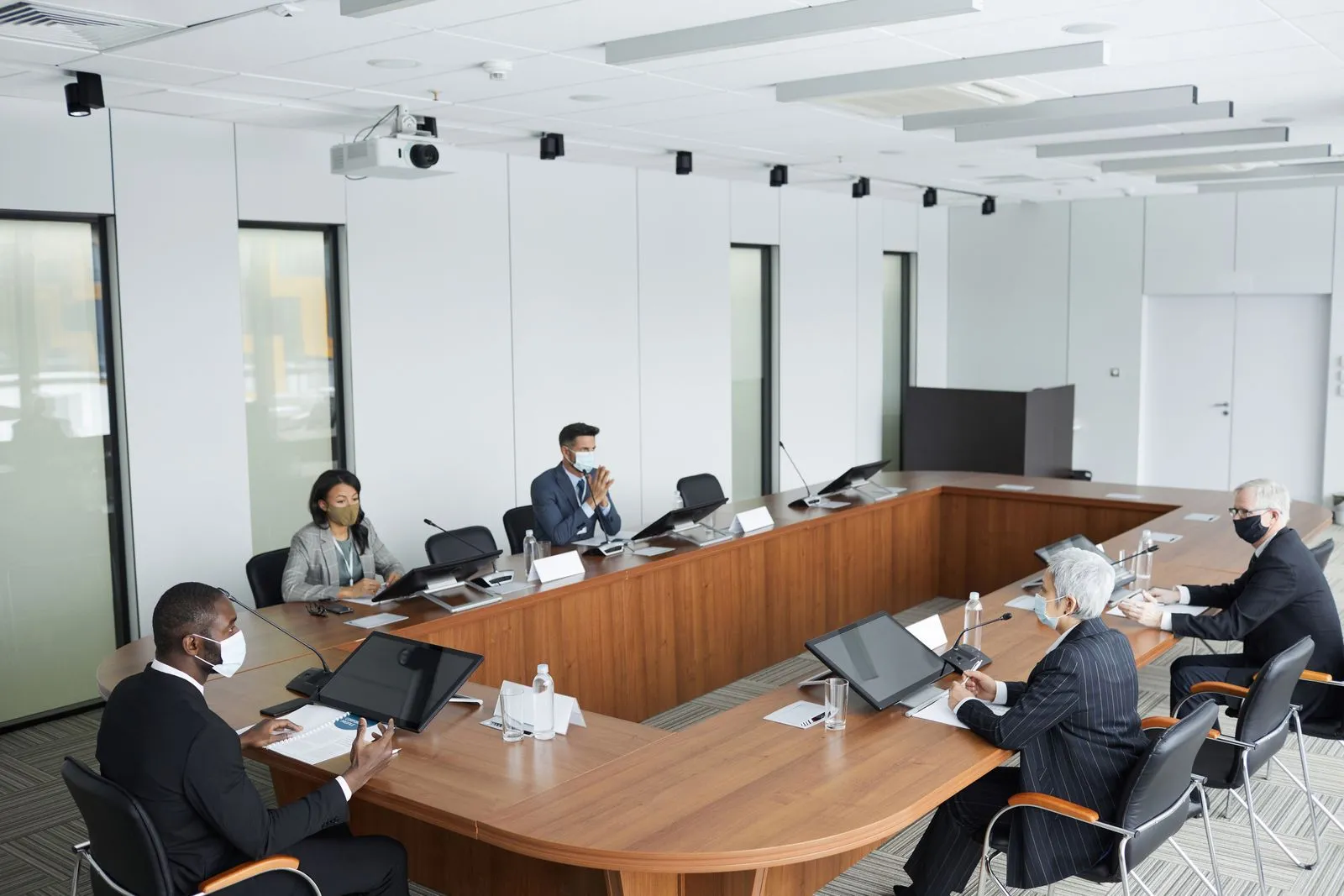
Start with the meeting’s purpose and expected attendance. A presentation may work best with rows facing a screen, while a workshop needs tables for small-group tasks. A board-style layout encourages discussion, and a U-shaped setup helps participants see one another. Ask the venue which layouts are available and how many people each can accommodate comfortably, rather than relying on a single maximum-capacity number.
Consider what participants will do between sessions, too. Check whether the room has space for materials, breakout conversations, or a registration table. Ask who handles setup and when the room will be ready. If the attendee count may change, find out how late you can adjust the layout or final numbers without disrupting the booking.
Check Location and Access
Map the venue against where attendees are coming from. Review driving routes, parking options, public transportation, and nearby lodging if people are traveling. Share clear arrival instructions in advance, including the entrance to use and where to park. For a Bloomington meeting, also consider whether the location is convenient for attendees coming from campus, downtown, or outside the city.
Ask about accessibility before you book. Confirm that the route into the building and the meeting room works for attendees with mobility needs, and check for accessible restrooms. If participants will join remotely or arrive at different times, ask about building access, check-in procedures, and whether someone can help them find the room.
Verify Equipment and Support
Make a list of what the agenda requires: a display or projector, reliable Wi-Fi, microphones, speakers, video conferencing, power outlets, or whiteboards. Ask which items are included, which need to be arranged separately, and whether the venue can support your specific devices and software. Confirm connection types and internet access details before meeting day.
Request a chance to test the setup ahead of time, especially for hybrid presentations or demonstrations. Find out who will be available if audio, display, or connectivity problems arise. If the meeting depends on a particular piece of equipment, bring a backup cable or presentation copy when practical, and identify a fallback plan with the venue.
Compare the Booking Details
Look beyond the room fee when comparing venues. Ask what the booking includes, such as tables, chairs, setup, cleanup, equipment, and access before or after the scheduled meeting. Clarify food and beverage rules, whether outside catering is allowed, and how to handle dietary needs. Get any additional charges and payment deadlines in writing so you can compare options clearly.
Review the cancellation, rescheduling, and change policies before committing. Confirm the exact date, hours, room, layout, and expected attendance on the reservation. Hoosier Meeting House in Bloomington is one option to consider; contact the venue to confirm current availability, amenities, access details, and terms that fit your meeting.
Choose a venue by checking how well it supports your agenda, attendees, and logistics—not just by comparing room size. Confirm the layout, access, equipment, included services, and policies before signing. Once the details are clear, you can send attendees useful arrival information and focus on running the meeting. Reach out to your preferred venue to discuss the room and confirm what’s available.